

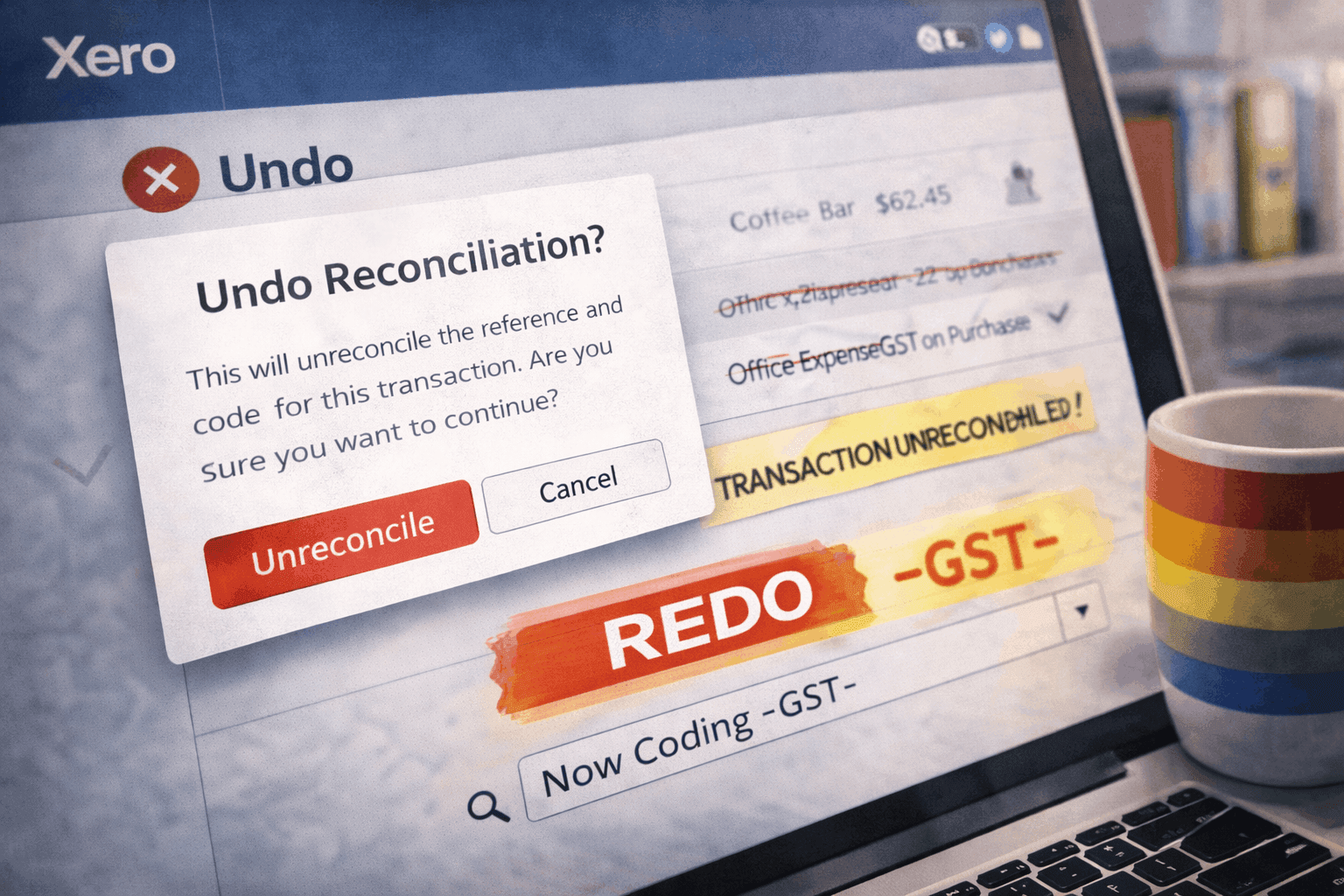
Unreconcile and Redo in Xero feels like a small, safe fix. You spot a transaction coded to the wrong account, unreconcile it, correct it, reconcile again, and the bank balance still matches, so it feels resolved. But people searching "what happens when you unreconcile in Xero" or "does unreconcile affect BAS" are usually there because something shifted after the change. The BAS looks different, the GST payable moved, the reconciliation summary is not what it was. The reason is that these are two different actions doing two different things, and using the wrong one, or assuming the coding survives the round trip, is where the reporting quietly changes underneath you.
Unreconcile and Remove & Redo are not the same action
This is the distinction that matters, because the two get used interchangeably and they behave very differently. Unreconcile only breaks the link between the bank statement line and the accounting transaction. It deletes nothing. Both the transaction and the statement line stay in the bank account, they are just no longer matched, which is the right tool when the transaction itself is correct but got matched to the wrong line. Remove & Redo is the destructive one. It deletes the underlying spend or receive money transaction entirely and sends the statement line back to the reconcile screen for a clean redo, which is the right tool when the posted transaction is wrong or duplicated. The trap is that Remove & Redo genuinely rebuilds the entry from scratch, so any coding that was applied the first time is not guaranteed to come back the same way. If a bank rule or an account default has changed since the original entry, the redo can reapply a different GST treatment than the one you started with, and nothing warns you that it did.
Why either action can move the BAS
The most common casualty is GST coding. When an entry is rebuilt or recoded and the account changes, the tax rate can default differently, and even a small shift from GST on purchases to GST-free, or the reverse, moves the BAS. Timing is the second one. If the transaction date or coding is adjusted in the process, the entry can move between reporting periods, changing GST totals in the current BAS and sometimes in a prior period if it is backdated. And during a feed disruption, when transactions are already being adjusted by hand after a CSV import, using these actions carelessly can compound duplicates rather than clean them up. In every case the reconciliation screen still looks clean, because the bank still matches, while the transaction layer underneath has quietly changed. That is why a file that felt stable starts to feel unpredictable after a run of adjustments. The instability was introduced by the fixes, not caught by them.
How to use them without destabilising the BAS
Neither action is dangerous, but both are more powerful than they look, so treat them deliberately. First, pick the right one: if the transaction is correct and only matched to the wrong line, Unreconcile; if the transaction itself is wrong or duplicated, Remove & Redo. Then, every time you rebuild or recode, check the GST tax code, the account selection, and the transaction date before reconciling again, rather than assuming Xero will reapply exactly what was there before, because after a Remove & Redo it often will not. Reconciliation confirms the bank matches. It does not confirm the reporting stayed the same, and those are two separate facts. Used carefully, with the right action for the situation and a quick check of the coding afterwards, the BAS stays stable. Used casually during a busy period, a series of small shifts adds up to a reporting problem that only surfaces at lodgement.