

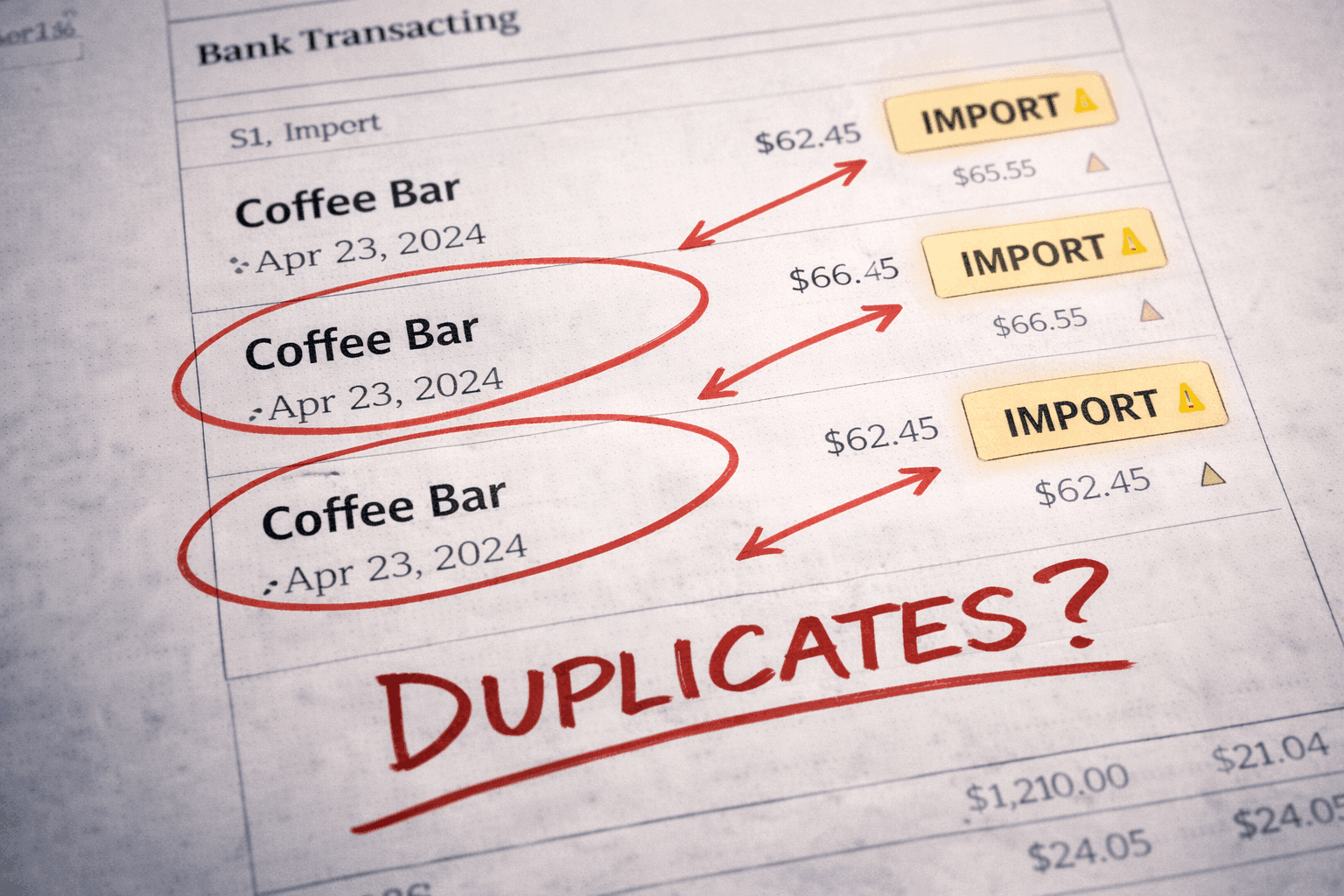
You export a bank statement as a CSV because the feed stopped syncing, upload it into Xero, reconcile, and everything looks fine. A few days later the feed catches up and the same period is suddenly showing duplicate transactions. This is the specific situation behind searches like "duplicate bank transactions after CSV import." A manual upload and an automatic feed have overlapped, and Xero has no way to know that the CSV line and the feed line are the same payment. It just sees two transactions with similar dates and amounts and treats them as two events. The reconciliation can still look clean if you match one and leave the other sitting there, but the ledger is now double-counting, and that distortion flows straight into GST and the BAS.
Why the feed reimports transactions you already added
The overlap happens because bank feeds and CSV exports do not share a memory. When a feed drops, it does not stop at a clean line, it stops mid-stream, and when it reconnects it backfills from the last point it is certain about, which is usually earlier than where your CSV started. So the feed reimports a window of transactions you already brought in by hand, and neither side flags the collision. This is why duplicates cluster around the exact dates of a disruption rather than appearing randomly. Two other situations produce the same result: merging or uploading multiple CSV exports without checking that their date ranges do not overlap, and simply uploading the same statement period twice by mistake. All three share one root cause, which is that nobody defined the exact boundary of what was being imported, so the boundaries overlapped.
Why duplicates quietly distort the BAS
The real problem is not the visual clutter on the reconciliation screen, it is what the duplicates do to the numbers underneath. A doubled transaction doubles its effect on expense totals, GST on purchases, or GST on sales, depending on what it is. It gets worse when the two copies are coded differently, which is common, because a CSV line often defaults to a different tax rate than the feed line. Now one copy carries GST and the other does not, and the BAS shifts in a way that is almost impossible to trace back, because on the surface both entries look legitimate. Reconciliation will not catch any of this, because it checks whether the ledger matches the bank, and a doubled entry that has been matched still technically reconciles. The bank balances. The GST is overstated.
How to remove duplicates without creating a new mismatch
The instinct is to delete the extra lines quickly to tidy the screen, and that is exactly how the original problem turns into a second one. Before removing anything, confirm the feed has genuinely reimported the same period rather than brought in something new, by checking the transaction dates against the disruption window. Then check the GST code on each copy, because they are often not the same, and you want to keep the one coded correctly. The trap is that one copy is usually reconciled and the other is not, and deleting the reconciled one unwinds a match and throws the balance out. So delete the unreconciled duplicate, keep the correctly coded and reconciled entry, and verify the balance still holds afterwards. Going forward, CSV imports need firm boundaries: confirm the exact date range before you upload, and check recent feed activity first, so the manual import and the feed never cover the same days. Controlled at the point of import, duplicates never form. Left to overlap, a small gap becomes a BAS error weeks later.