

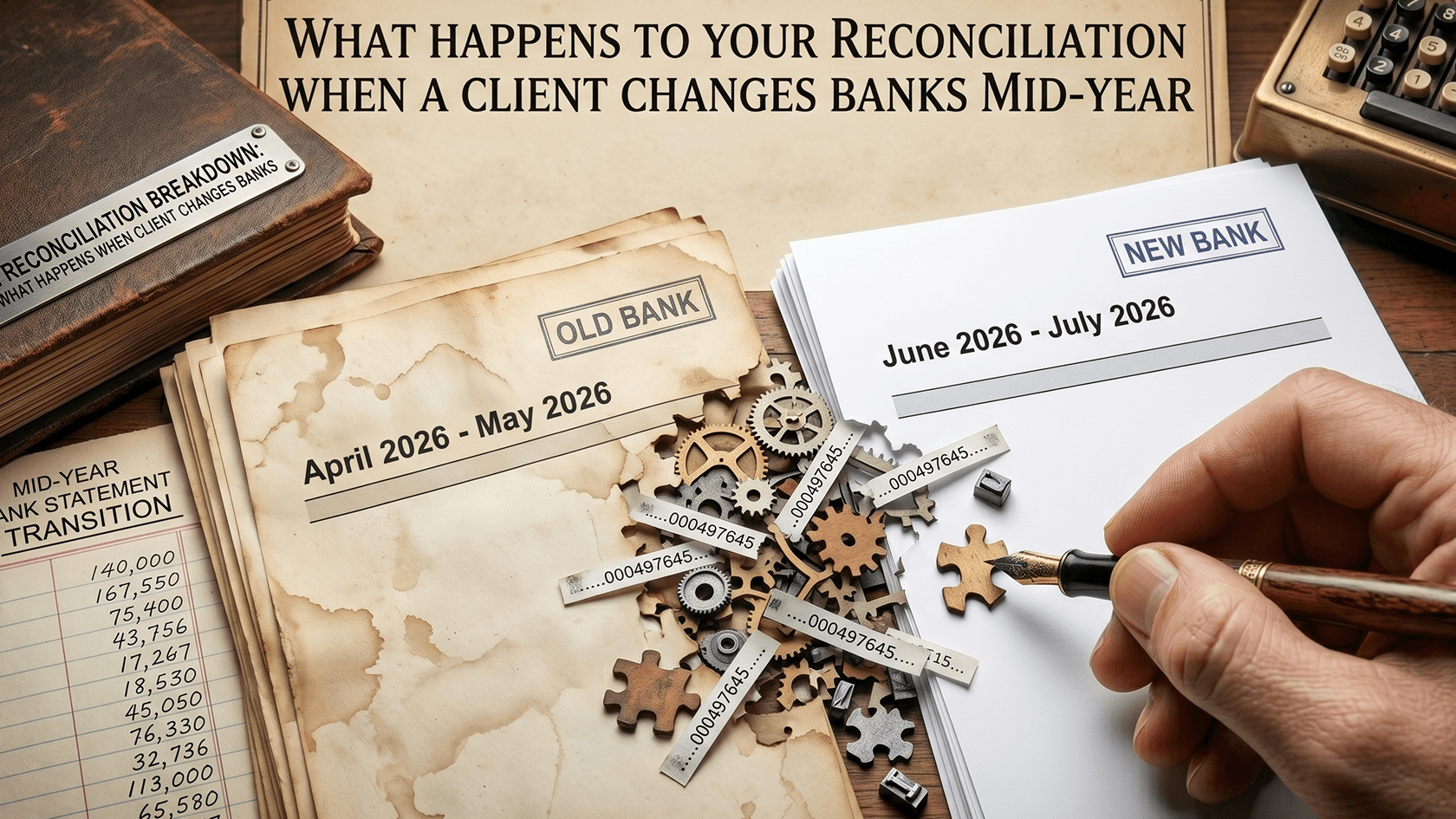
When a client says they have moved to a new bank, the instinct is to treat it as admin: disconnect the old feed, connect the new one, carry on. The problem is that the period around the cutover reliably produces errors that stay invisible until a reconciliation does not balance, by which point the cause is weeks in the past and much harder to trace. A bank switch is not a set-and-forget update to the accounting software, it is a reconciliation event, and the firms that treat it as one catch the errors while they are cheap. The two that cause the most trouble are the overlap period and the opening balance, and they fail in completely different ways.
The overlap period and the opening balance
Almost no client closes the old account the day they open the new one. There is usually a window of days or weeks where both accounts are live, payments are still landing in the old account, and direct debits are being moved across one at a time. During that window, transactions from both accounts have to be captured and coded, and if the firm does not know the overlap is happening, two things slip through easily. Income that arrived in the old account after the team assumed its feed was irrelevant gets missed, or a payment that cleared during the transition gets counted against both accounts. Either way the reconciliation will eventually be out, and the reason will be sitting in a period nobody is looking at anymore.
The opening balance is the quieter of the two, and in some ways the more stubborn. When the new account is added in Xero or MYOB, its opening balance has to match the actual balance on the bank statement at the date the account became active in the software. Get that figure wrong and every reconciliation from that point forward is off by the same amount. The error does not grow, but it does not resolve on its own either. It just sits there as a permanent false variance, quietly undermining confidence in an otherwise clean file, until someone goes back to the source and corrects the opening balance itself. Chasing it as if it were a coding error is wasted effort, because the mistake was made once, at setup, and it has to be fixed there.
Why the cutover breeds duplicates
Duplicates are the most common technical fallout from a feed cutover, and they come from the same collision that plagues every manual import: two sources covering the same days. When a new feed is connected and historical transactions are pulled in to cover the transition, there is a real risk of the same transactions appearing twice, most often when someone manually imports a statement to fill a gap and the feed then backfills part or all of that same period once it connects properly. The built-in duplicate detection does not reliably catch this, because it depends on the two versions matching closely, and the feed version and the imported version frequently differ by a day on the date or a few characters in the description. Two lines for the same payment, one day apart, will both appear on the reconcile screen with no warning, and matching both against the same invoice creates a double entry the balance carries silently until an unexplained variance forces someone to investigate.
How to run a clean cutover
The fix is to stop treating the switch as a moment and start treating it as a bounded process with a hard date. Establish the cutover date explicitly, the day the old account was closed or the last transaction that cleared it, and reconcile the old account only up to that date and the new account only from it, so the two never overlap in the ledger. If a manual import is needed to fill a gap in the feed history, do it before the feed is connected for that period, not after, which is the single move that prevents the backfill collision that creates duplicates. Then check both accounts across the overlap window for stray income or double-cleared payments, and confirm the new account's opening balance against the statement before trusting a single reconciliation on it. None of this is difficult, it is just deliberate, and the difference is stark: handle the transition as a defined event and the errors never form, or handle it as a quick update and spend a chunk of next quarter tracing a variance back to a cutover nobody documented.