

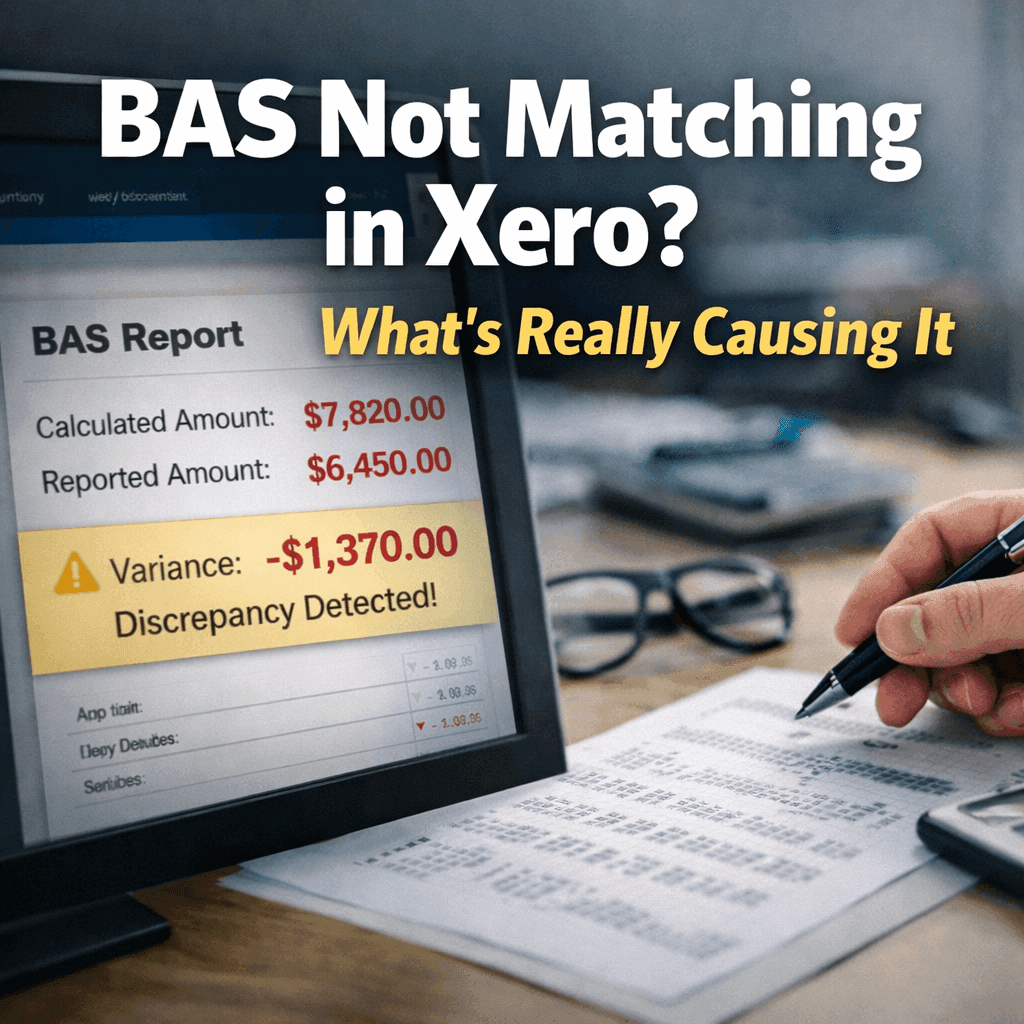
You reconcile the bank account, every line shows as matched, and the file looks finished. Then you open the BAS report in Xero and the GST payable is wrong. The GST on sales looks too high, or the GST on purchases does not tie back to what you reviewed earlier, and sometimes it matched last week and does not now. This is almost always the same underlying issue, and it is not the one people expect. The reconciliation is fine. The problem is that a reconciled file and a BAS-ready file are not the same thing, and Xero builds the BAS from something reconciliation never checks.
Why a reconciled file can still produce the wrong BAS
Reconciliation and BAS reporting answer two different questions. Reconciliation confirms that the bank statement matches the ledger, that money in and money out line up. The BAS report ignores that almost entirely and pulls instead from the GST tax codes applied to each transaction during the period. So a transaction can be perfectly reconciled against the bank and still carry the wrong GST code, and reconciliation will never flag it, because the amount is right even though the treatment is not. That is the gap the search "BAS not matching in Xero" almost always lands in. The bank agrees. The GST does not.
Where the mismatch actually comes from
Most BAS mismatches are not one big error, they are an accumulation of small ones that never broke the reconciliation. The classic sequence is a bank feed dropping out, transactions being brought in by CSV to keep moving, and then the feed reconnecting and reimporting some of the same transactions, creating duplicates that still reconcile but double up the GST. On top of that sit the usual culprits: GST-inclusive versus exclusive coding errors, backdated journals, unreconcile-and-redo changes that quietly shift a period, director loan payments coded as expenses instead of balance sheet movements, and rounding differences across split transactions. None of these break reconciliation. Every one of them moves the BAS.
How to actually fix it
The instinct when the BAS is wrong is to adjust the final number until it looks right. That is the one thing not to do, because it hides the cause and guarantees the same mismatch next quarter. Instead, go back to the transaction layer, which is where the BAS is really built. Check for duplicate bank transactions, review anything that came in by CSV, confirm the GST tax codes were applied correctly, and look for backdated edits made during the quarter. A reconciled file is not automatically a BAS-ready file. Fix the transactions underneath, and the BAS report almost always corrects itself, because the report was never the problem. It was just the first place the problem became visible.